
Cody Adam
Software engineer, Founder, Designer
TL;DR
Currently a software engineer at Fabric.so.
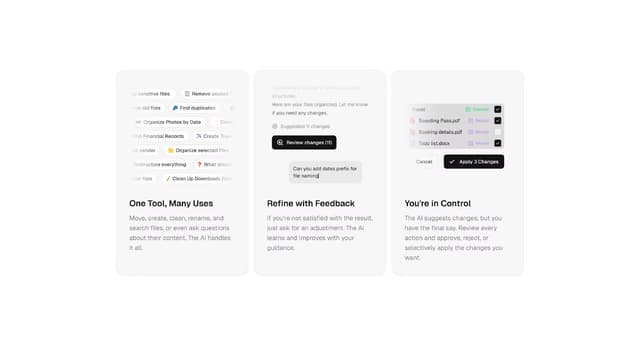
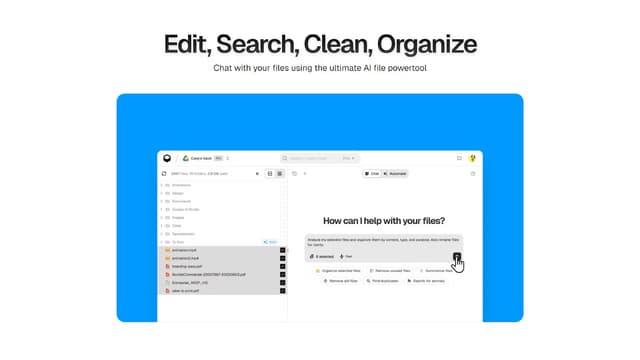
Founder of Dynbox the AI file organizer, and 1u.to the self-destructing URL shortener.
I'm a creative engineer passionate about building exceptionally designed software, with a sharp eye for detail and user experience.
Also, a climber, artist, and 8x hackathon winner. Based in Rennes, France.
Pinned work


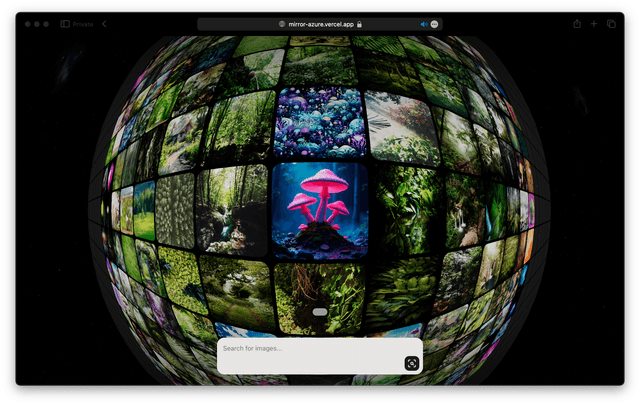
Products (6)




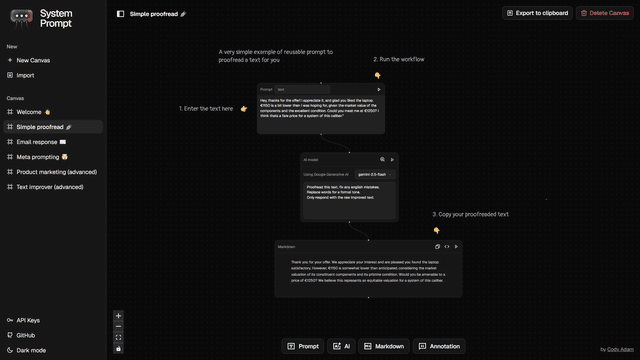




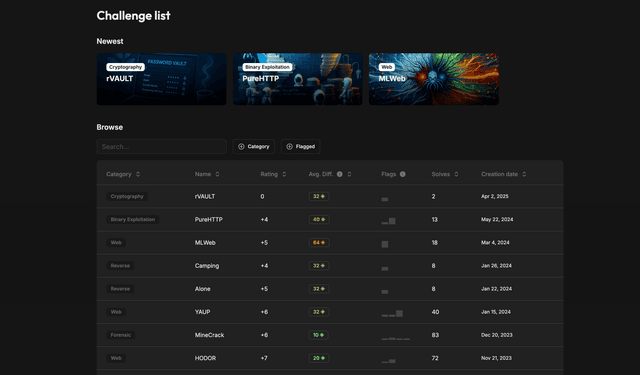


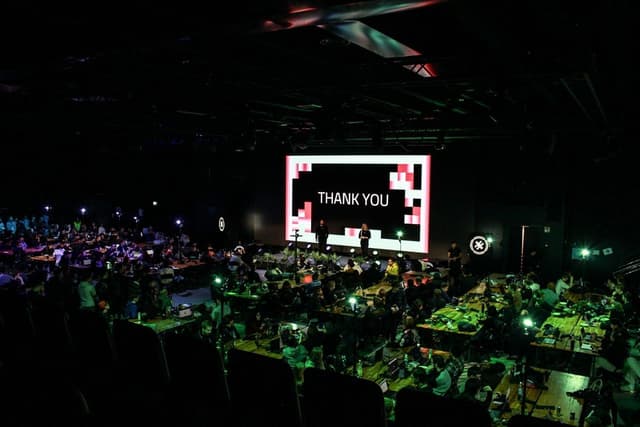
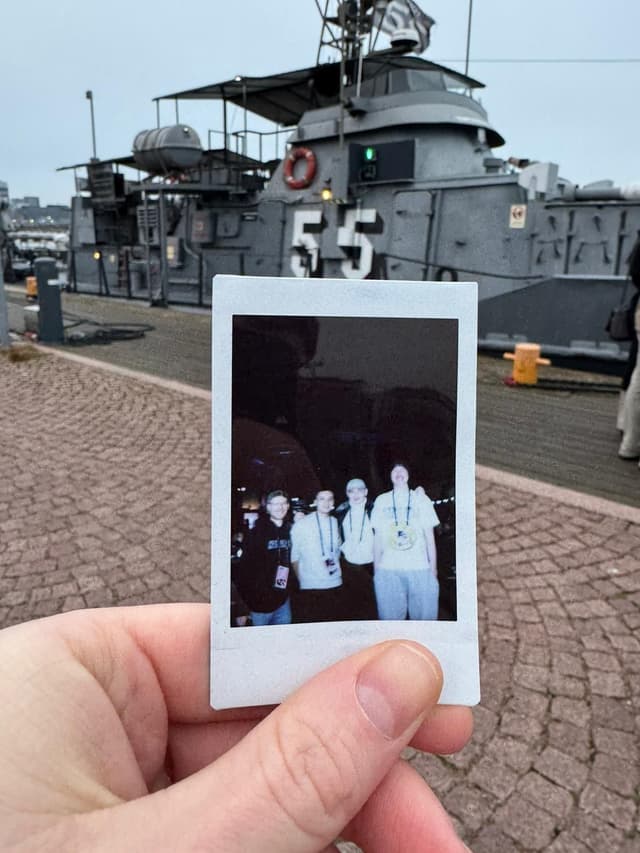
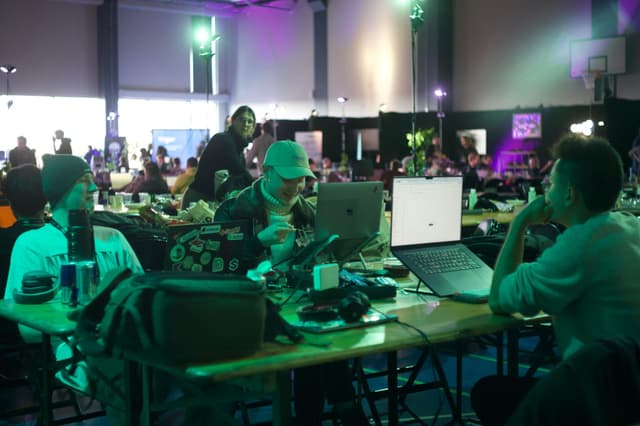
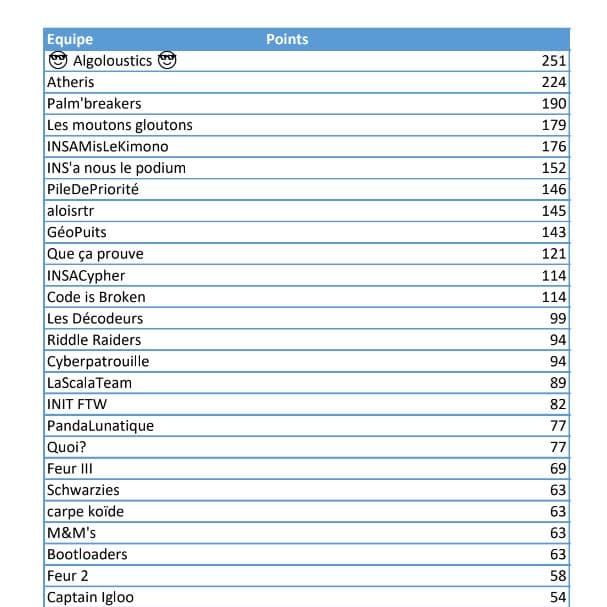
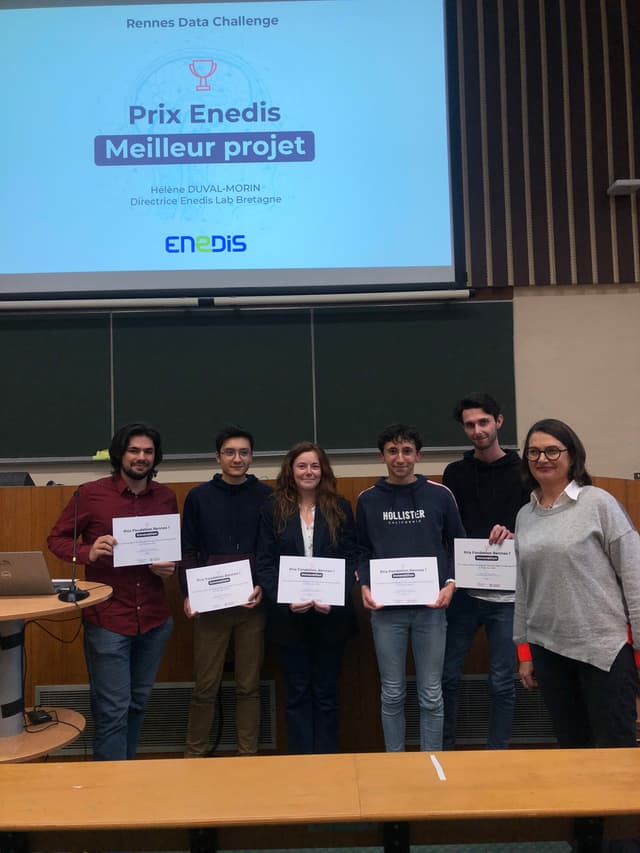
Hackathons (17)

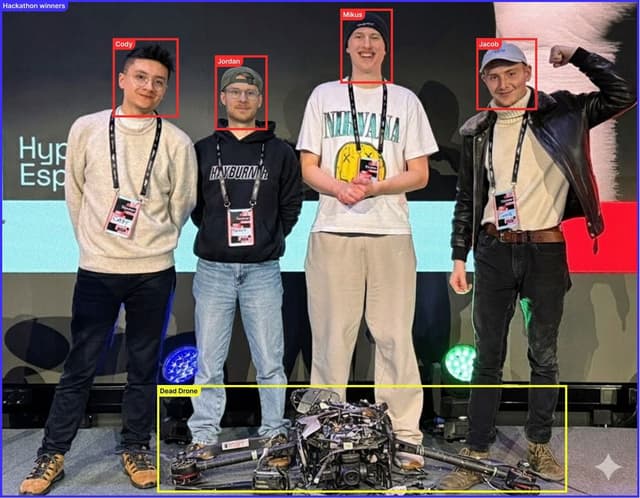
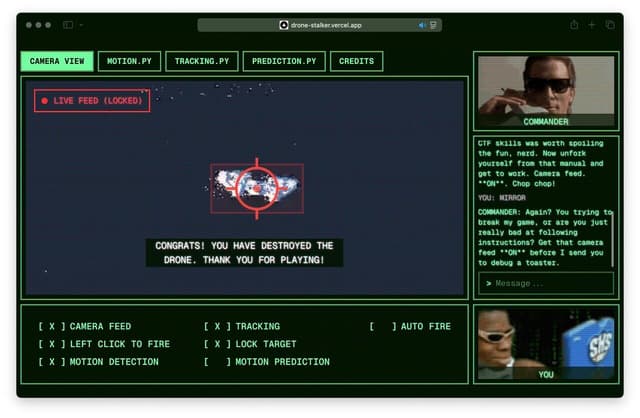























Freelance (2)






Technologies
Read It Fast
Instantly speed-read any webpage, word-by-word, with a single hotkey using RSVP technology.
🚀 Features
Core Functionality
- RSVP Reading: Read text word-by-word at configurable speeds (WPM)
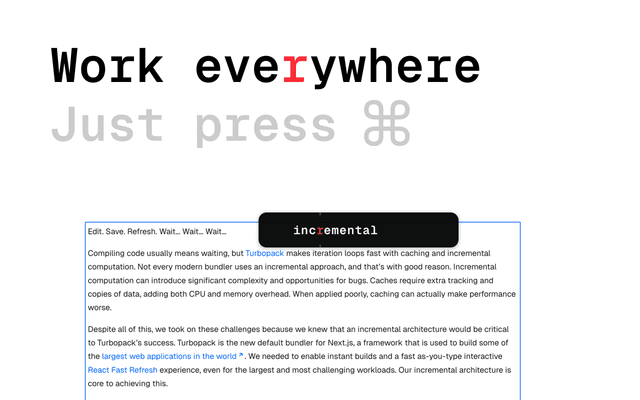
- Hover Activation: Hold a modifier key (CMD/Meta or Alt) and hover over any text to start reading
- Smart Text Selection: Automatically extracts visible text from any webpage element
- Expandable Selection: Expand text selection to include parent elements while reading
- Visual Feedback: Blue outline highlights the text being read
- ORP Highlighting: Highlights the Optimal Recognition Point (the letter your eye naturally focuses on) in each word
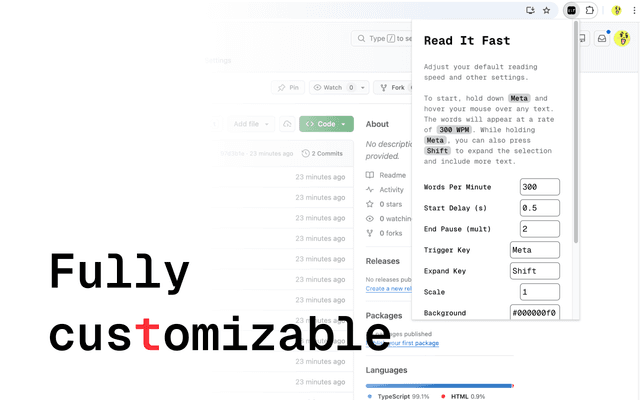
Customization
- Adjustable Reading Speed: Set your preferred words per minute (WPM)
- Customizable Display: Adjust scale, colors (background, text, accent), and timing
- Configurable Hotkeys: Customize trigger and expand keys
- Punctuation Handling: Automatic pauses at sentence endings and commas
- Start Delay: Configurable delay before RSVP begins
- New Line Support: Custom character for representing line breaks
📦 Installation
From Source
-
Clone the repository:
git clone https://github.com/codyadam/read-it-fast.git cd read-it-fast -
Install dependencies:
bun install(or
npm installif using npm) -
Build the extension:
bun run build(or
npm run build) -
Load in your browser:
- Chrome/Edge:
- Open
chrome://extensions/ - Enable "Developer mode"
- Click "Load unpacked"
- Select the
.output/chrome-mv3directory
- Open
- Firefox:
- Open
about:debugging - Click "This Firefox"
- Click "Load Temporary Add-on"
- Select the manifest.json from
.output/firefox-mv2directory
- Open
- Chrome/Edge:
Development Mode
For development with hot-reloading:
# Chrome/Edge
bun run dev

# Firefox
bun run dev:firefox
🎯 Usage
Basic Usage
- Open the extension popup (click the extension icon) to configure your settings
- Navigate to any webpage
- Hold the trigger key (default:
CMDon Mac,Alton Windows/Linux) - Hover your mouse over any text element
- Watch the words appear one at a time at your configured reading speed
Keyboard Shortcuts
- Trigger Key (default:
Meta/CMD): Hold to activate RSVP reading - Expand Key (default:
Shift): While holding trigger, press to expand selection to parent element - Release Trigger: Stops reading and hides the RSVP display
Expanding Text Selection
While holding the trigger key and reading text:
- Press the Expand Key (
Shiftby default) to include more surrounding text - The selection expands to the parent element, capturing more context
- A blue outline shows the current text selection
⚙️ Settings
Access settings by clicking the extension icon. All settings are saved automatically.
Reading Settings
| Setting | Description | Default | Range | | -------------------- | ---------------------------------------- | ------- | ------ | | Words Per Minute | Reading speed in words per minute | 200 | 1-9999 | | Start Delay (s) | Delay in seconds before RSVP begins | 0.5 | 0-10 | | End Pause (mult) | Multiplier for pause at sentence endings | 3.0 | 1-20 |
Display Settings
| Setting | Description | Default |
| ---------------- | --------------------------------- | ----------- | ------- |
| Scale | Size multiplier for the RSVP card | 1.0 | 0.1-5.0 |
| Background | Background color (hex with alpha) | #000000f0 |
| Text Color | Text color | #FFFFFF |
| Accent Color | ORP highlight color | #FB2C36 |
Hotkey Settings
| Setting | Description | Default |
| --------------- | ------------------------------------------------------ | ------- |
| Trigger Key | Key to hold for RSVP activation | Meta |
| Expand Key | Key to press while holding trigger to expand selection | Shift |
Advanced Settings
| Setting | Description | Default |
| ----------------- | --------------------------------------- | ------- |
| New Line Char | Character used to represent line breaks | › |
Supported Hotkey Values
Meta- Command key (Mac) / Windows key (Windows)Alt- Alt/Option keyControlorCtrl- Control keyShift- Shift key
🔬 How RSVP Works
RSVP (Rapid Serial Visual Presentation) is a reading technique that displays words one at a time at a fixed location, eliminating the need for eye movement. This extension implements RSVP with:
-
Optimal Recognition Point (ORP): Each word highlights the letter where your eye naturally focuses, based on word length:
- 1-3 letters: First letter
- 4-5 letters: Second letter
- 6-9 letters: Third letter
- 10-12 letters: Fourth letter
- 13+ letters: Logarithmic calculation
-
Smart Timing:
- Base delay calculated from WPM:
60000ms / WPM - Longer pauses at sentence endings (
.,!,?,;,:) - Medium pauses at commas
- Automatic handling of line breaks
- Base delay calculated from WPM:
-
Text Extraction: Intelligently extracts visible text while ignoring:
- Hidden elements
- Script and style tags
- Elements with
aria-hidden="true" - Elements with
display: noneorvisibility: hidden
🛠️ Development
Project Structure
read-it-fast/
├── components/
│   ├── hover-card.tsx      # RSVP display component
│   └── hover-logic.tsx     # Main hover and keyboard logic
├── entrypoints/
│   ├── background.ts       # Background script
│   ├── content.tsx         # Content script (injected into pages)
│   └── popup/
│       ├── App.tsx         # Settings popup UI
│       ├── main.tsx        # Popup entry point
│       └── index.html      # Popup HTML
├── hooks/
│   └── useSettings.ts      # Settings management hook
├── utils/
│   └── rsvp.ts             # RSVP calculation utilities
├── panda.config.ts         # Panda CSS configuration
└── wxt.config.ts           # WXT extension configuration
Available Scripts
# Development (Chrome/Edge)
bun run dev

# Development (Firefox)
bun run dev:firefox

# Build for production
bun run build

# Build for Firefox
bun run build:firefox

# Create zip for distribution
bun run zip

# Type checking
bun run compile
Tech Stack
- WXT - Browser extension framework
- React - UI library
- TypeScript - Type safety
- Panda CSS - CSS-in-JS styling
- Geist Mono Variable - Monospace font
Building for Distribution
-
Build the extension:
bun run build -
Create a zip file:
bun run zip -
The zip file will be created in the project root, ready for submission to browser extension stores.
🎨 Customization Examples
Faster Reading (400 WPM)
Set Words Per Minute to 400 for speed reading.
Slower, More Comfortable Reading (150 WPM)
Set Words Per Minute to 150 for a more relaxed pace.
Custom Color Scheme
- Background:
#1a1a1af0(dark gray) - Text:
#e0e0e0(light gray) - Accent:
#4a9eff(blue)
Larger Display
Set Scale to 1.5 for a larger, more visible RSVP card.
📝 Notes
- The extension works on all websites (
<all_urls>) - Settings are stored locally in your browser
- The RSVP card is positioned near your cursor but stays within viewport bounds
- Text extraction respects the page's visual structure and ignores hidden content
🔗 Learn More
📄 License
This project is private and not licensed for public use.
Happy fast reading! 🚀